
Hate the Copilot Key? Here's How to Disable It Completely
Source: au.pcmag.com
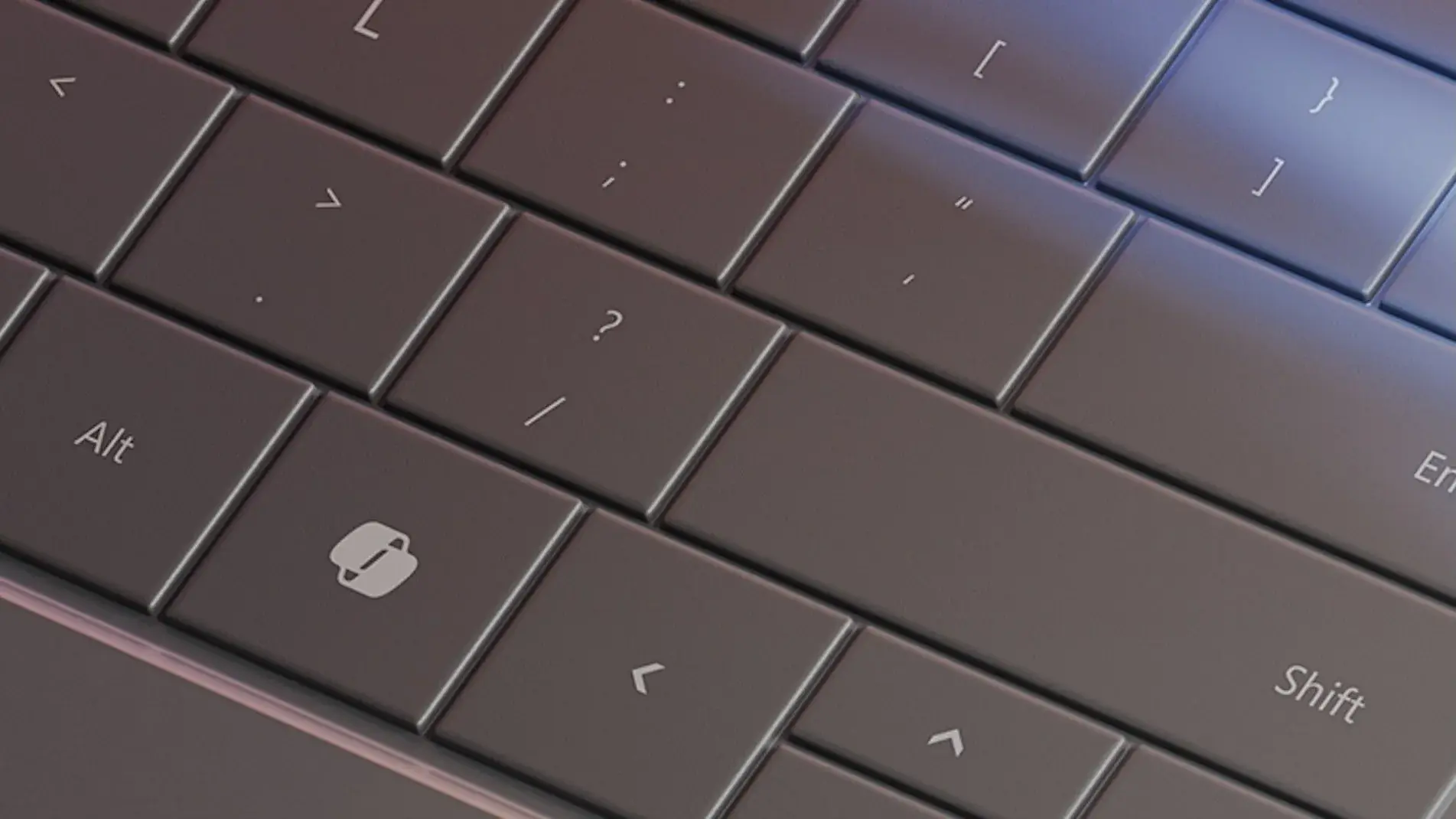
Microsoft will soon roll out a "kill switch" for the Copilot key on Windows PCs, allowing users to switch it back to the Right Control key or turn it off entirely, according to a recent support document first spotted by Windows Latest. Users gained the ability to map the key to another AI app, including OpenAI's ChatGPT or Anthropic's Claude, in late 2024, but it wasn't possible to kill it off entirely. Microsoft did not specify when the latest change would roll out. When it arrives, users can go to Settings > Bluetooth & devices > Keyboard to remap the Copilot key. For immediate remapping, users can go to Settings > Personalization > Text input and press the drop-down box next to the Customize Copilot key. The support doc acknowledged that many who relied on the Right Ctrl key or Context menu key for keyboard shortcuts or assistive technologies "experienced some challenges to their workflows." Turning off the dedicated Copilot key may soon be relatively easy, but turning off Copilot altogether requires meeting a hefty number of requirements, including not launching the Microsoft Copilot app for 28 days. In May, an exec posted in a now-deleted tweet that Microsoft should "remove Copilot from places where it doesn't live up to its promise," after Microsoft began removing Copilot from Notepad, the Photos app, and the Snipping tool.
SUCKS 0
0
0
Comments
This page shows all existing comments. To add a new comment, open the post in the forum.
No comments yet.