
How to use Claude's voice mode - Engadget
Source: engadget.com
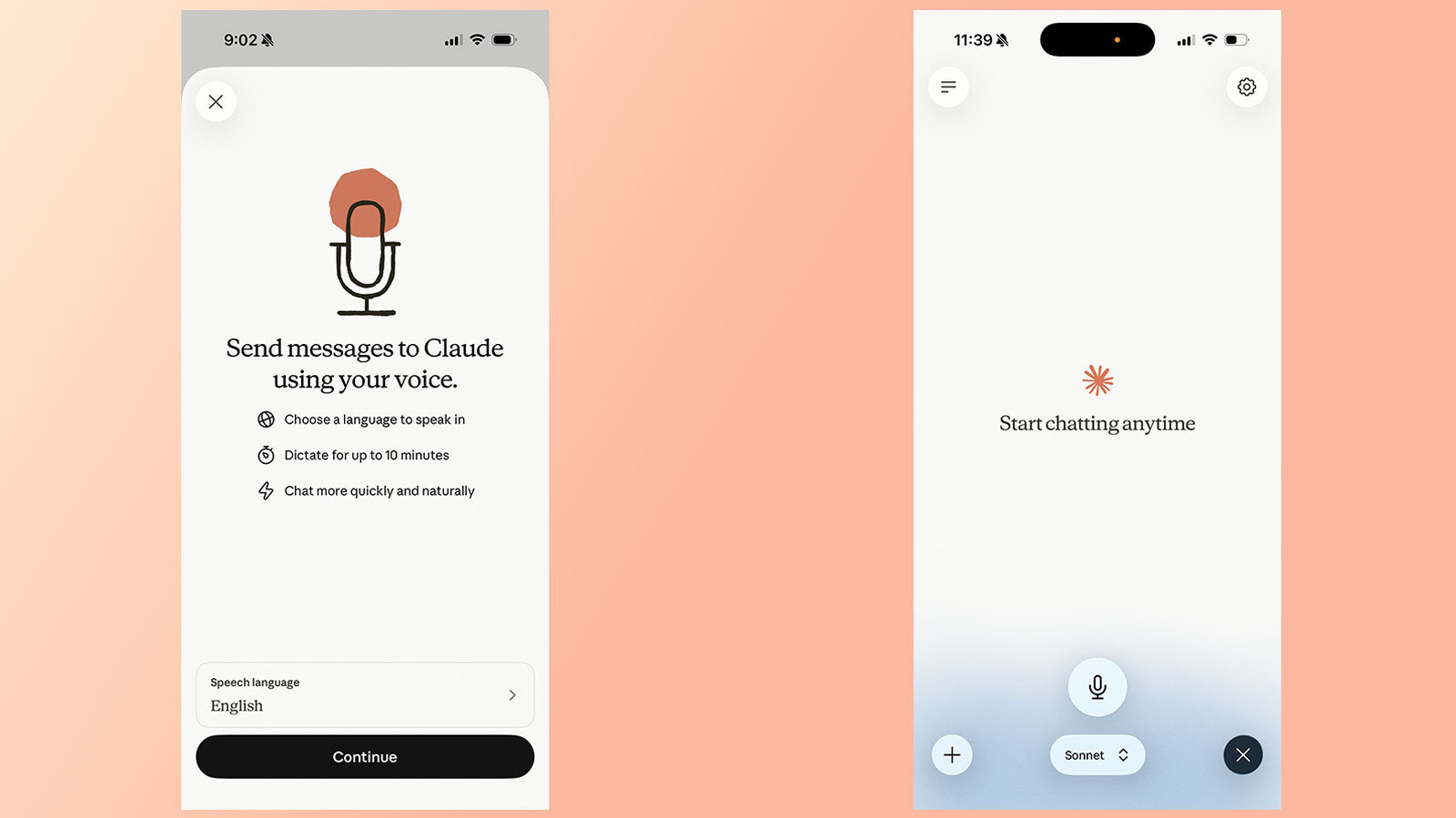
Anthropic has offered a voice mode through Claude since 2025, allowing users to speak to the chatbot instead of writing prompts. This past July, the company updated the feature to work through more powerful models, including Sonnet and Opus, and can pull context from connected apps and services. Voice mode is available through the Claude mobile (Android and iOS) and desktop apps, as well as through the web, and works best from a phone. To use it on mobile, open the Claude app, tap the black waveform icon in the lower right corner, grant microphone permissions if necessary, and start talking. Claude generates a response once you finish a prompt and remains in voice mode until you tap Stop. The feature uses a "turn-based" architecture, differing from ChatGPT's "duplex" architecture, so Anthropic recommends asking multi-part questions one at a time. Users can change the model from the model picker, with options including Haiku for fastest quick answers, Sonnet for most efficient everyday tasks, and Opus for complex tasks, which is only available to paid accounts. Voice mode can access connected apps like Gmail, Google Calendar and Slack, requiring permission for first-time third-party access. As of July 2026, Anthropic offers Voice Mode support in 14 different languages, with some available in additional dialects; the language selected affects voice choices, with five options in English.
SUCKS 0
0
0
Comments
This page shows all existing comments. To add a new comment, open the post in the forum.
No comments yet.