
How to use ChatGPT to make stickers for iMessage and WhatsApp - Engad…
Source: engadget.com
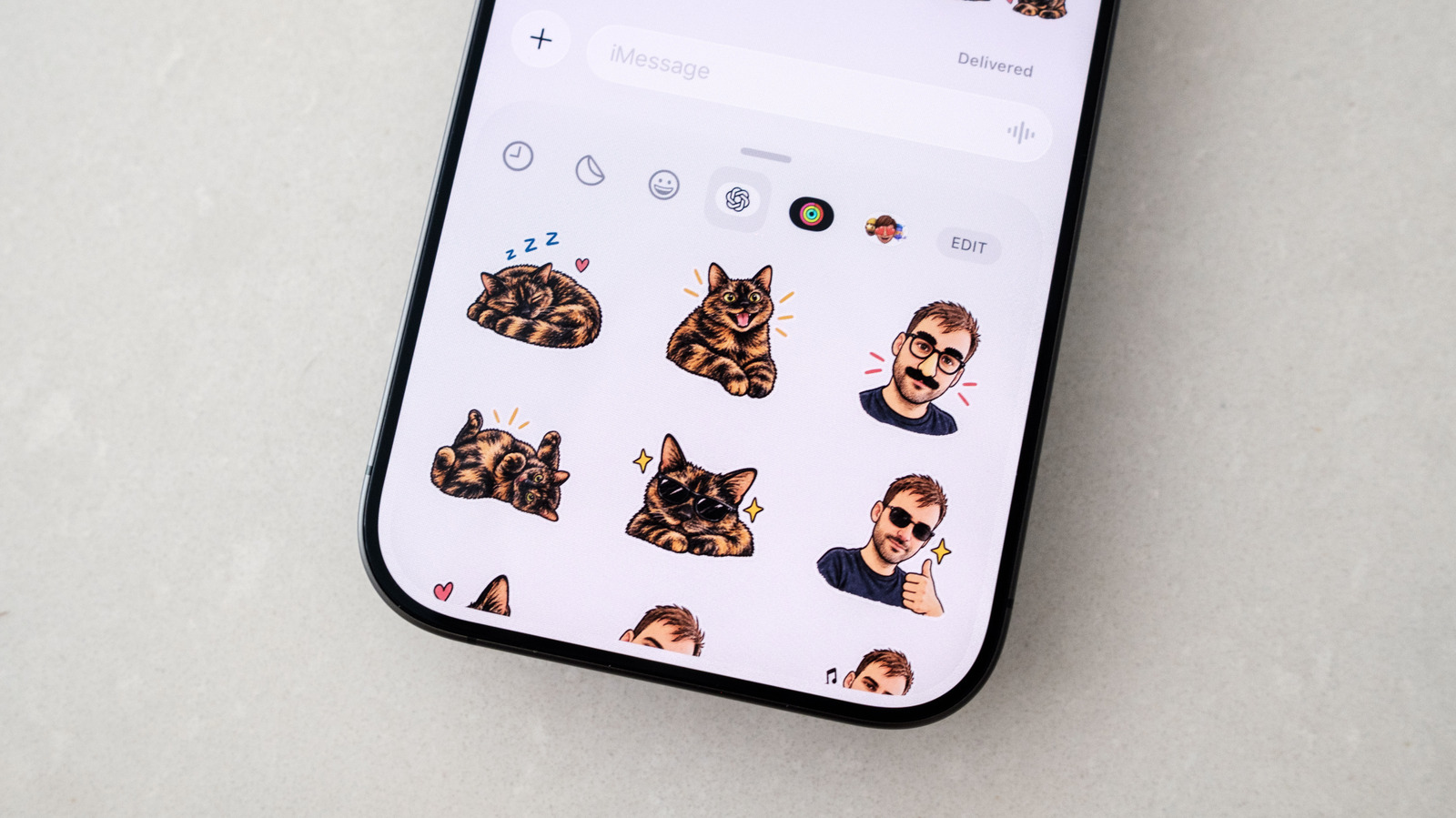
OpenAI recently added a sticker-specific workflow to ChatGPT Images that makes it easy to turn almost any photo into stickers for iMessage and WhatsApp, according to Engadget. The easiest way to generate stickers is through the ChatGPT mobile app for iOS and Android: open the sidebar, select Images, tap Stickers under the Trending tab, then select a style, reference image or images and a set of emoji, which guides ChatGPT. After a few moments, ChatGPT generates a set of nine stickers that can be added to iMessage and WhatsApp by tapping Add to chat apps and choosing either platform; WhatsApp first asks users to name the sticker pack, and iMessage won't be an option on an Android phone. Users unhappy with the results can tap a sticker, select Edit and describe changes in the prompt bar, or write their own prompt to keep the chatbot more faithful to the original source photo. Tapping the three dots icon and then Retry lets ChatGPT try again from scratch. Sending stickers uses the same flow as regular stickers: in iMessage, open a conversation, tap the Plus button, select Stickers, tap the OpenAI logo and choose a sticker; in WhatsApp, open a conversation and tap the sticker icon on the right side of the compose bar.
SUCKS 0
0
0
Comments
This page shows all existing comments. To add a new comment, open the post in the forum.
No comments yet.