
Gemini for Mac Now Clicks, Types and Fills Forms in a Background Wind…
Source: the-gadgeteer.com
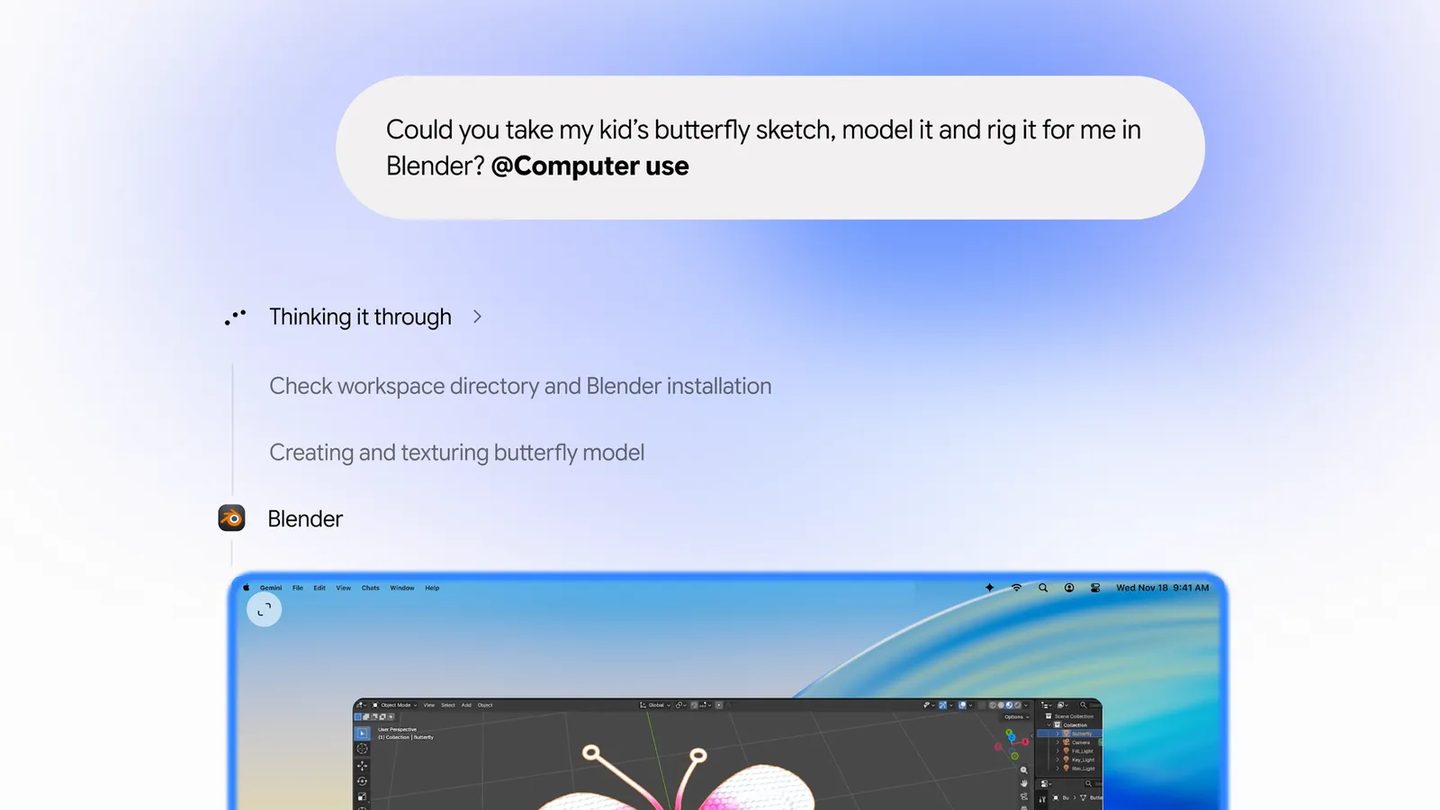
Gemini for Mac now offers a computer use feature that lets it navigate desktop apps, enter information into forms, and complete multi-step tasks in a separate background window, monitored through a live preview in chat while the user's screen and cursor remain available. Google's examples include batch color-grading photos in design software, setting up complex 3D scenes, pulling weights, dimensions and addresses out of local PDFs to fill multi-box shipping quotes, turning live dashboard metrics into a finished presentation in Google Slides, and batch-listing items for sale by analyzing clothing photos from a local folder, researching pricing, logging details and staging listings on resale platforms. To get started, users open Gemini's settings, choose Computer use, turn on Allow Gemini to work with your Mac, and grant the Accessibility and Screen & System Audio Recording permissions in macOS; they then select Task below the chat box, add @Computer use to the prompt, and describe what needs doing. Gemini asks for permission when accessing apps and provides a live preview so users can monitor or stop the task. Computer use is rolling out in English in the US for personal Google accounts belonging to users 18 and older, requiring a Google AI Plus, Pro, or Ultra subscription and an Apple Silicon Mac running macOS Sequoia 15.0 or later; Intel Macs and free-tier accounts are excluded, and Google hasn't announced a wider rollout.
SUCKS 0
0
0
Comments
This page shows all existing comments. To add a new comment, open the post in the forum.
No comments yet.