
How to Install AI Apps with Winget on Windows 11
Source: how2shout.com
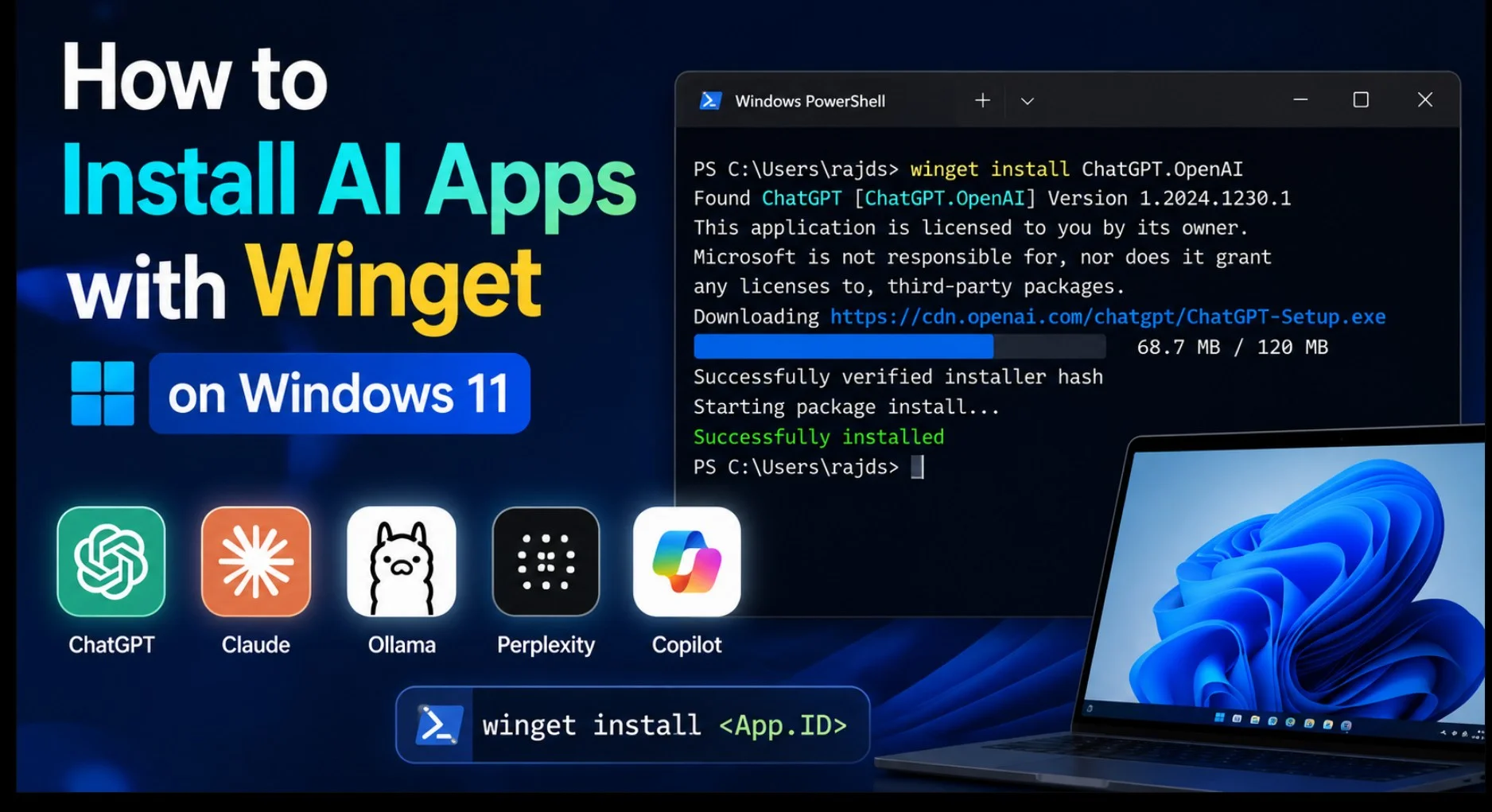
Microsoft's Winget package manager, built into Windows 11, allows users to install AI applications with a single terminal command, bypassing manual downloads and browser searches. Winget pulls apps from verified manifests pointing to the publisher's real installer, offering a safety win against sketchy "ChatGPT" clones. Benefits include speed, silent installs with the `--silent` flag, clean updates via `winget upgrade`, easy removal with `winget uninstall`, and scriptability for installing multiple tools at once. To begin, users should confirm Winget is present by running `winget --version` in Windows Terminal, PowerShell, or Command Prompt; if unrecognized, the App Installer from the Microsoft Store may need updating. Winget requires Windows 10 version 1809 (build 17763) or later, and Windows 11 always qualifies. Most installs run without administrator rights, but some, like Docker Desktop, require an elevated terminal. Winget will not appear until the user has logged into Windows at least once.
SUCKS 0
0
0
Comments
This page shows all existing comments. To add a new comment, open the post in the forum.
No comments yet.