
How to remap the Windows 11 Copilot key and restore your missing Righ…
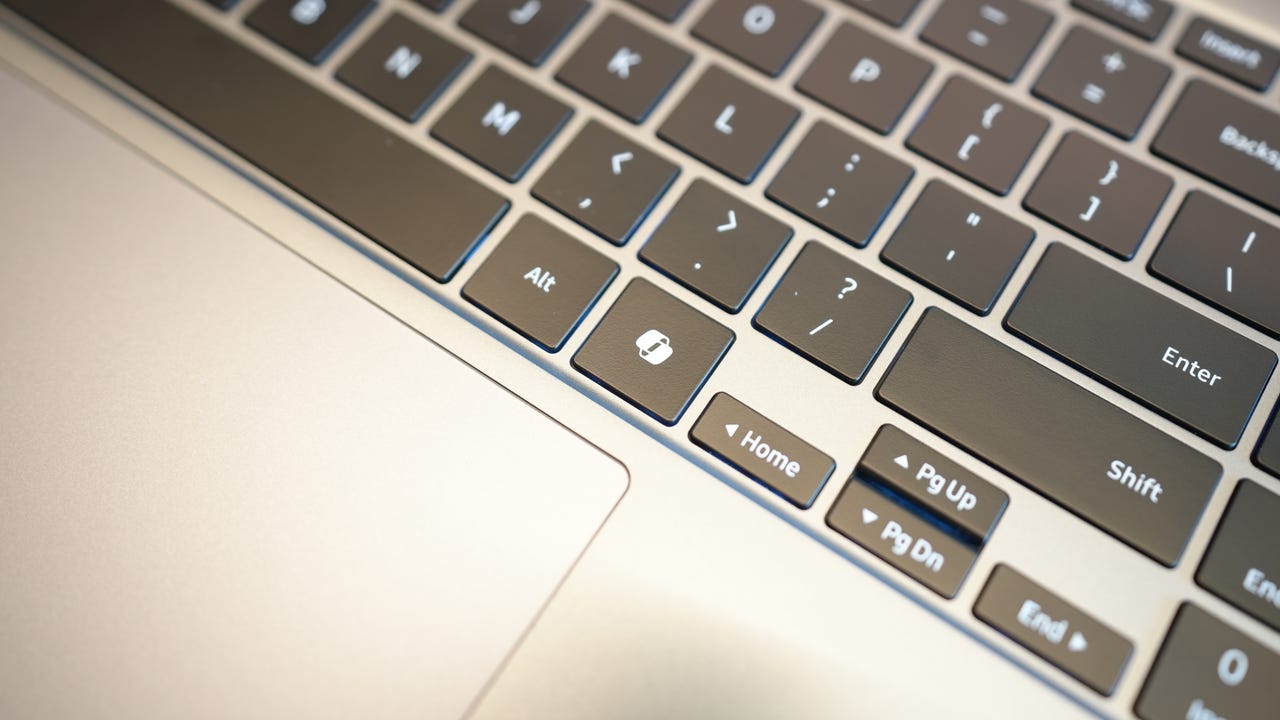
A ZDNET article explains how to remap the Windows 11 Copilot key, noting that the key is located to the right of the spacebar and was first introduced by Microsoft to its own Copilot+ PCs Surface laptops more than two years ago, with third-party vendors like Lenovo, Dell, and HP later adding it. The article states that the Copilot key is part of Microsoft's effort to integrate its AI into Windows, and that adding a new key to a physical keyboard is a rare move, with the only other obvious instance being the introduction of the dedicated Windows key in the 1990s. It notes that the key replaces the Right Ctrl key or the Context menu key, creating problems for people who use those keys for shortcuts or assistive technologies.
SUCKS 0
0
0
Comments
This page shows all existing comments. To add a new comment, open the post in the forum.
No comments yet.