
AutoSprite v3.0 Guide for AI Sprite Sheet Generation
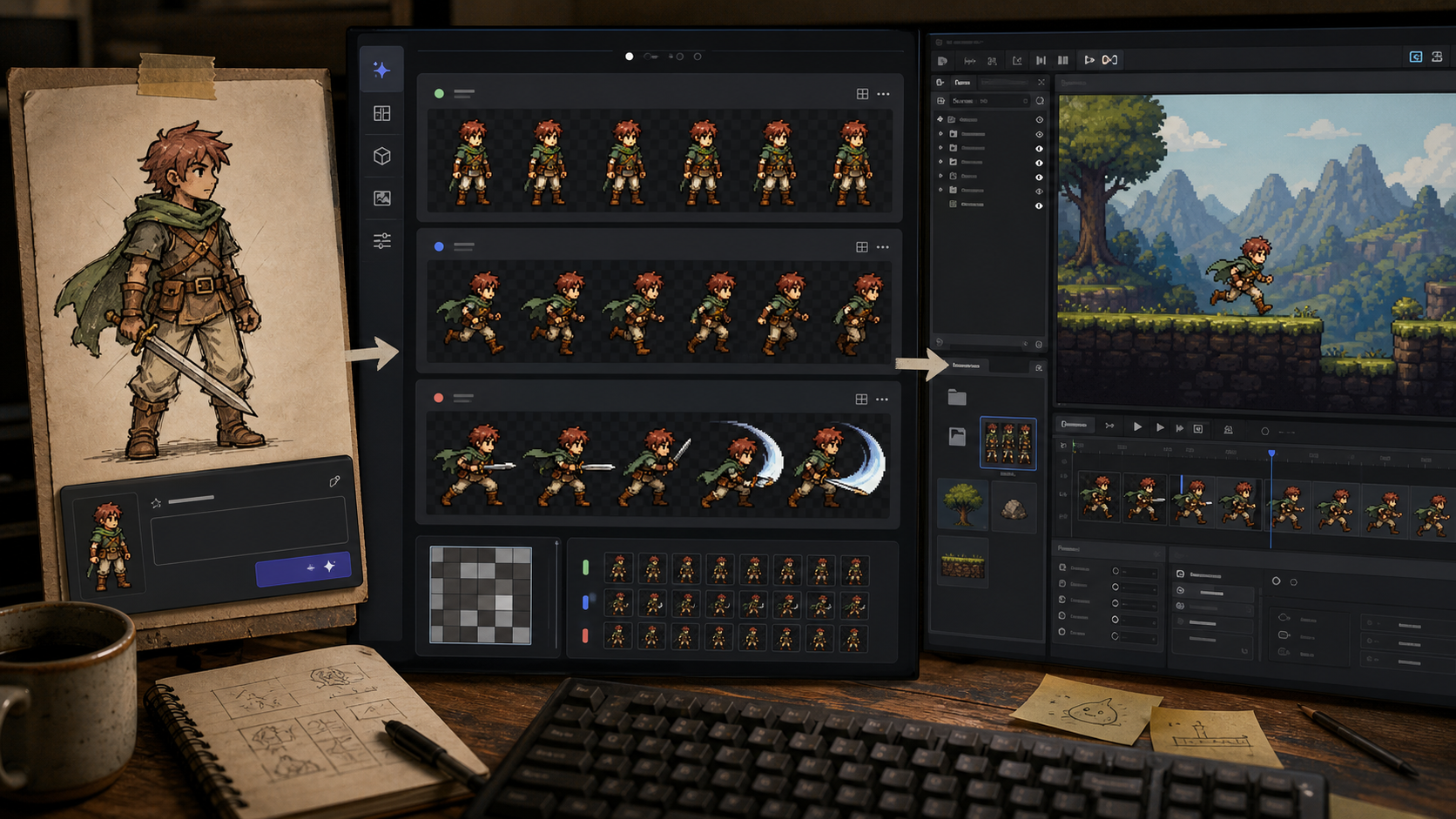
AutoSprite v3.0 is worth testing if the immediate problem is missing 2D animation rather than final art direction. Its public workflow accepts a prompt or reference image, generates animation frames, and exports PNG sprite sheets with atlas or frame metadata. AutoSprite can reduce the time needed to prototype idle, walk, run, attack, and custom motion, but the game engine still owns import settings, frame timing, collisions, gameplay state, and asset validation. The important change is workflow compression: a developer can describe a character or provide an existing image, select an action, and receive a structured animation asset. That matters most during prototyping, as a solo developer can use generated motion to answer questions about movement speed, camera framing, enemy readability, attack timing, or the feel of a platformer before commissioning polished animation. AI-generated sequences can still contain foot sliding, altered proportions, drifting equipment, inconsistent silhouettes, awkward anticipation, or a contact pose that does not match the game’s collision model. Start with a constrained reference, not a vague character fantasy; use a single character image with a clear silhouette, a defined viewing angle, minimal background clutter, and a short description of the intended movement. Define the target resolution, frame dimensions, camera angle, and visual treatment before writing the prompt. Generate one idle loop and one walk or run cycle for the same character, then inspect the silhouette, feet, hands, held items, face, and frame-to-frame proportions.
SUCKS 0
0
0
Comments
This page shows all existing comments. To add a new comment, open the post in the forum.
No comments yet.