
I thought I knew how to use ChatGPT Voice — then these 5 simple trick…
Source: techradar.com
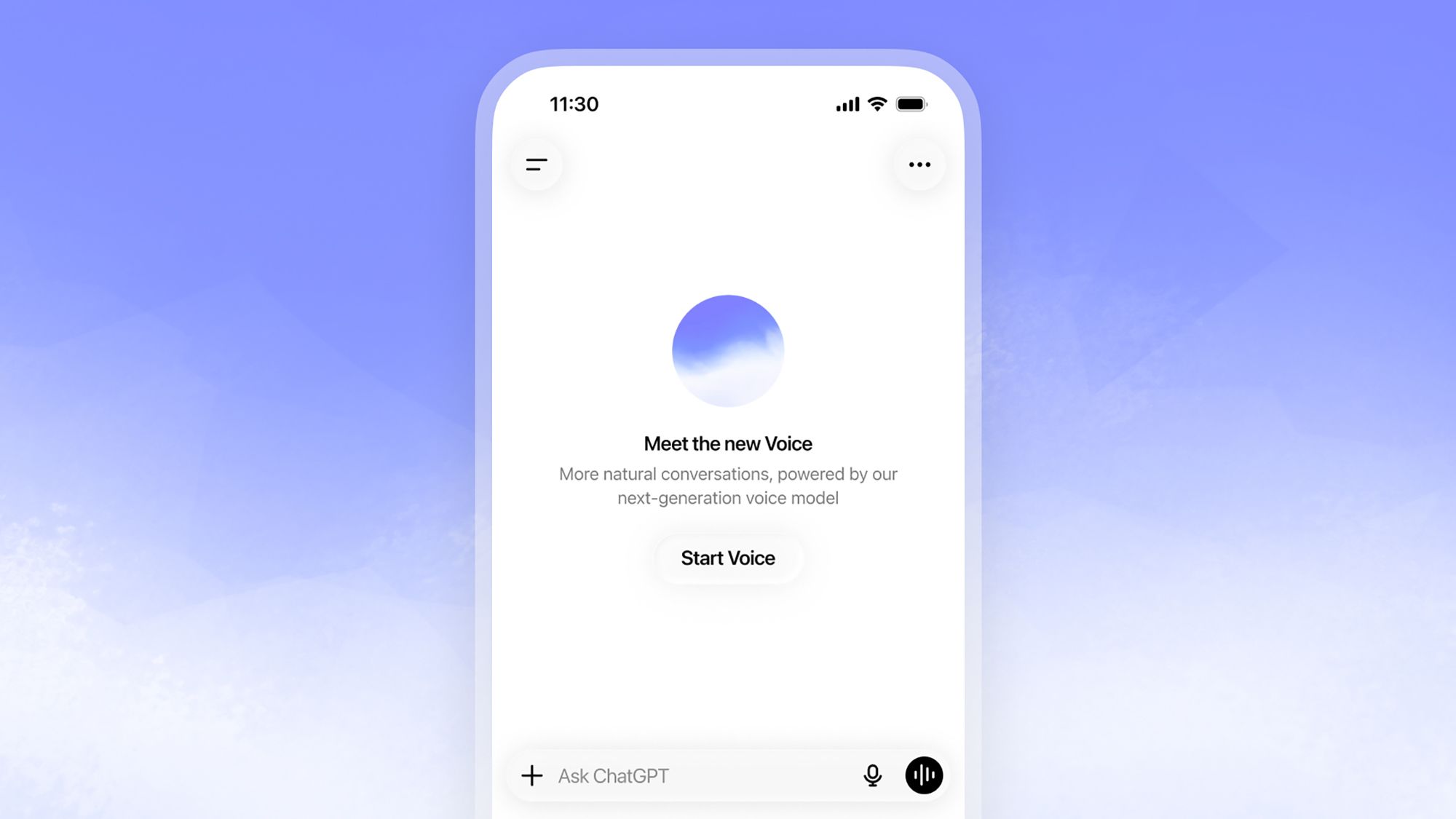
Using ChatGPT Voice as a hands-free AI assistant becomes more effective when users steer the conversation rather than treating it like a smart speaker. Setting expectations at the start helps counter premature responses; users can specify that they want to finish each answer before receiving feedback, use a code word like "full stop" to signal turns, or request adjustments such as slower speech, shorter sentences, or a calmer style. Voice settings also allow changing voices and, depending on account subscription level, adjusting intelligence levels. Establishing a persona or point of view for ChatGPT—such as a local tour guide for travel advice, a patient French tutor who waits before correcting pronunciation, or an imagined interviewer—provides context that makes answers more focused and follow-up questions more coherent. Additionally, the updated ChatGPT desktop app for Mac and Windows enables running tasks on a computer by voice without constantly using a mouse or keyboard.
SUCKS 0
0
0
Comments
This page shows all existing comments. To add a new comment, open the post in the forum.
No comments yet.