
Does Google Drive Work With an AI Tool? Real Answer - TheZeroNet | Ce…
Source: thezeronet.com
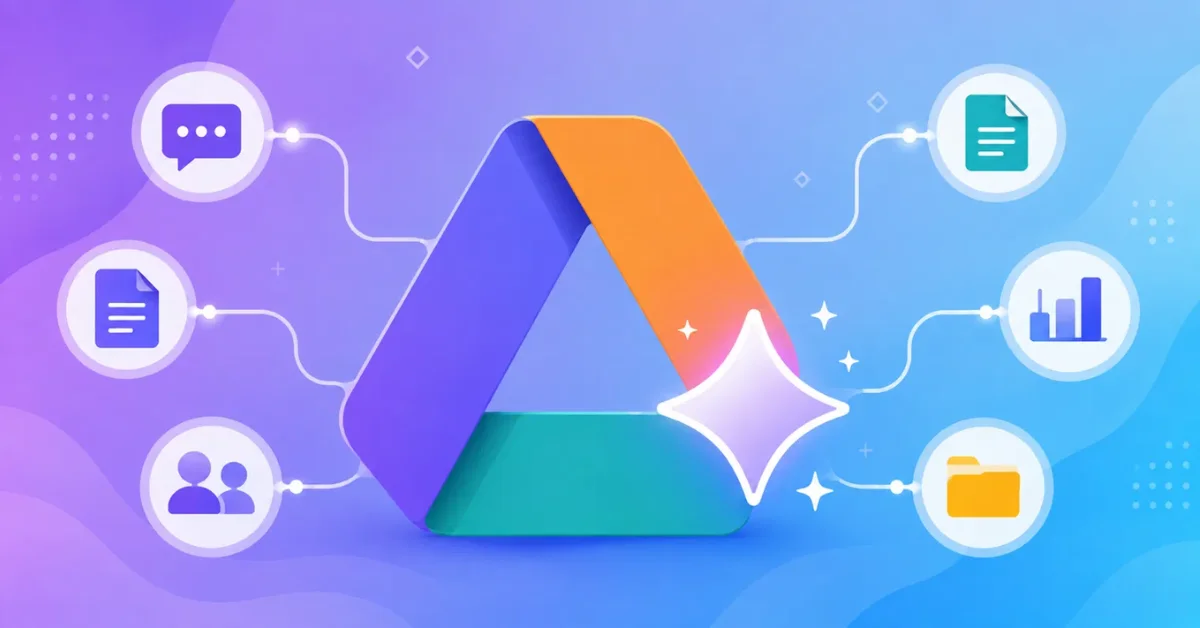
Google Drive works with AI tools through multiple setups, including Google’s own Gemini, which is built directly into Drive. From drive.google.com, users can click “Ask Gemini” at the top right to open a full-screen workspace, allowing it to research and synthesize information across multiple files, retrieve documents via AI-powered search, and generate content, images, or audio overviews. Google has rolled out folder-level queries, letting users point Gemini at an entire folder to summarize themes or find documents by description rather than exact file name, per a recent Google update covered by PhoneArena. However, Gemini in Drive can only analyze text documents, PDFs, spreadsheets, and presentations—images and videos aren’t supported for folder-level analysis. Using Gemini in Drive requires an eligible Google Workspace or Google AI plan, and it isn’t switched on for every free account by default. On Android, Gemini lets users toggle exactly where it searches—Drive, Gmail, Chat, and Calendar can each be turned on or off individually, and web search stays off unless enabled. Other AI tools, like Claude and ChatGPT, connect to Drive as outside services using a permission-based link called a connector, but not every connection works the same way, and what the assistant can do depends on the type of setup used.
SUCKS 0
0
0
Comments
This page shows all existing comments. To add a new comment, open the post in the forum.
No comments yet.