
Apple Keeps Siri AI Conversations: Here’s How to Clear Your History a…
Source: iphoneislam.com
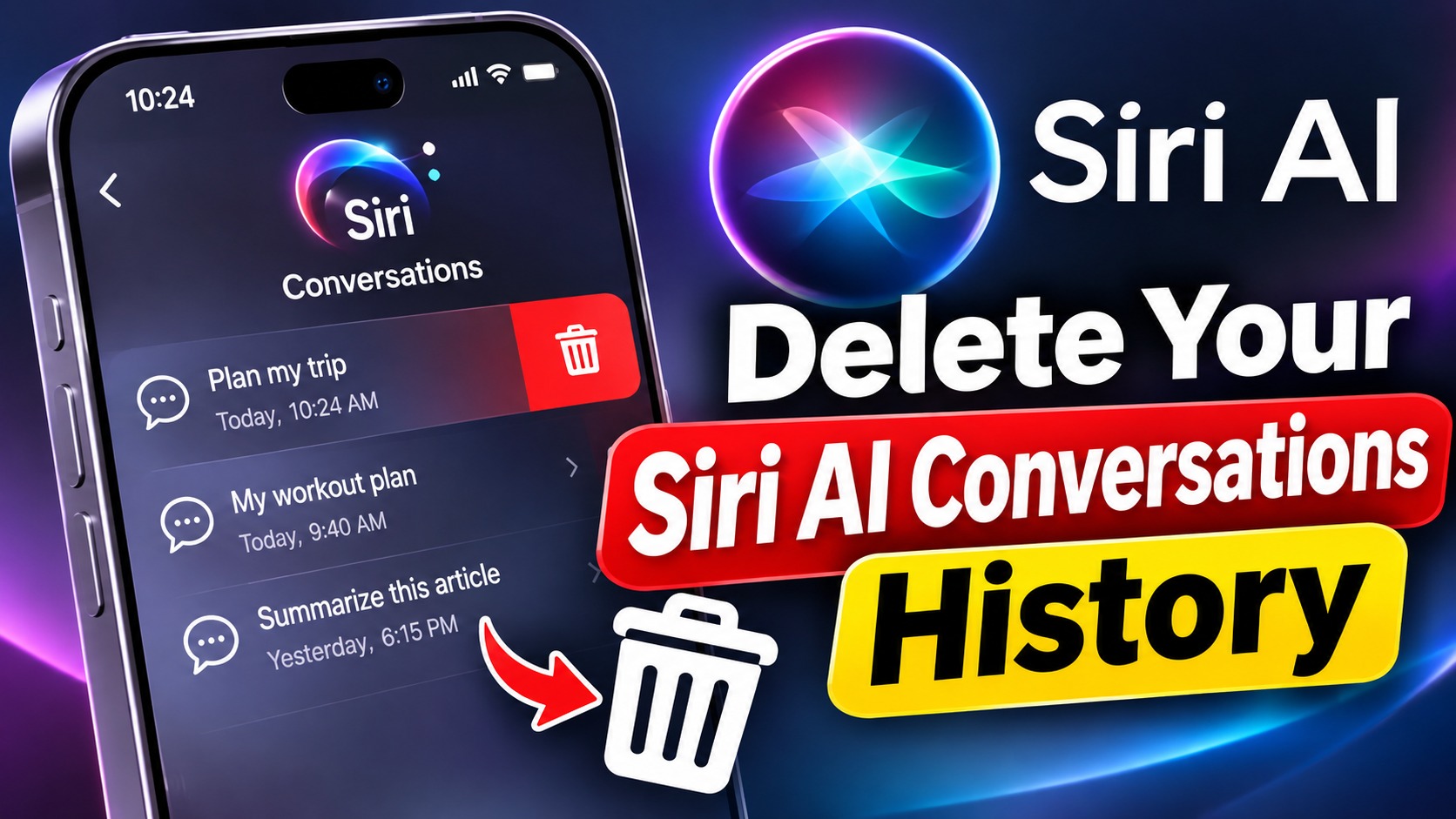
With the launch of iOS 27, Apple has transformed Siri into a fully integrated, AI-powered interactive chatbot with a standalone app that understands what is happening on your screen. The new Siri app keeps a detailed log of all conversations and questions for future reference, but Apple gives users direct options to delete these conversations manually or schedule them for self-destruction after a specific period. To delete manually, users can open the new Siri app, swipe from right to left on a conversation, and tap delete; to clear a group at once, they can tap the menu button in the top corner and select the option to delete multiple conversations. For automatic deletion, users can go to the Siri section in Settings and find the “Keep Conversations” option, where they can set the time period logs are kept—forever, for a full year, or just a thirty-day limit after which they are automatically deleted. Apple explains that these logs remain stored locally on the device, and even when requests are sent for cloud processing, the data is immediately deleted from the servers as soon as the device receives the response, ensuring data is not used to train AI models without explicit permission. To enhance privacy, users can disable the built-in ChatGPT integration from Siri settings to keep data within Apple’s closed environment, and go to Settings, enter Privacy & Security, select Analytics & Improvements, and turn off the “Improve Siri & Dictation” toggle along with other analytics collection options.
SUCKS 0
0
0
Comments
This page shows all existing comments. To add a new comment, open the post in the forum.
No comments yet.