
9 Ways ChatGPT Browser Can Automate Your Online Tasks
Source: gadgetreview.com
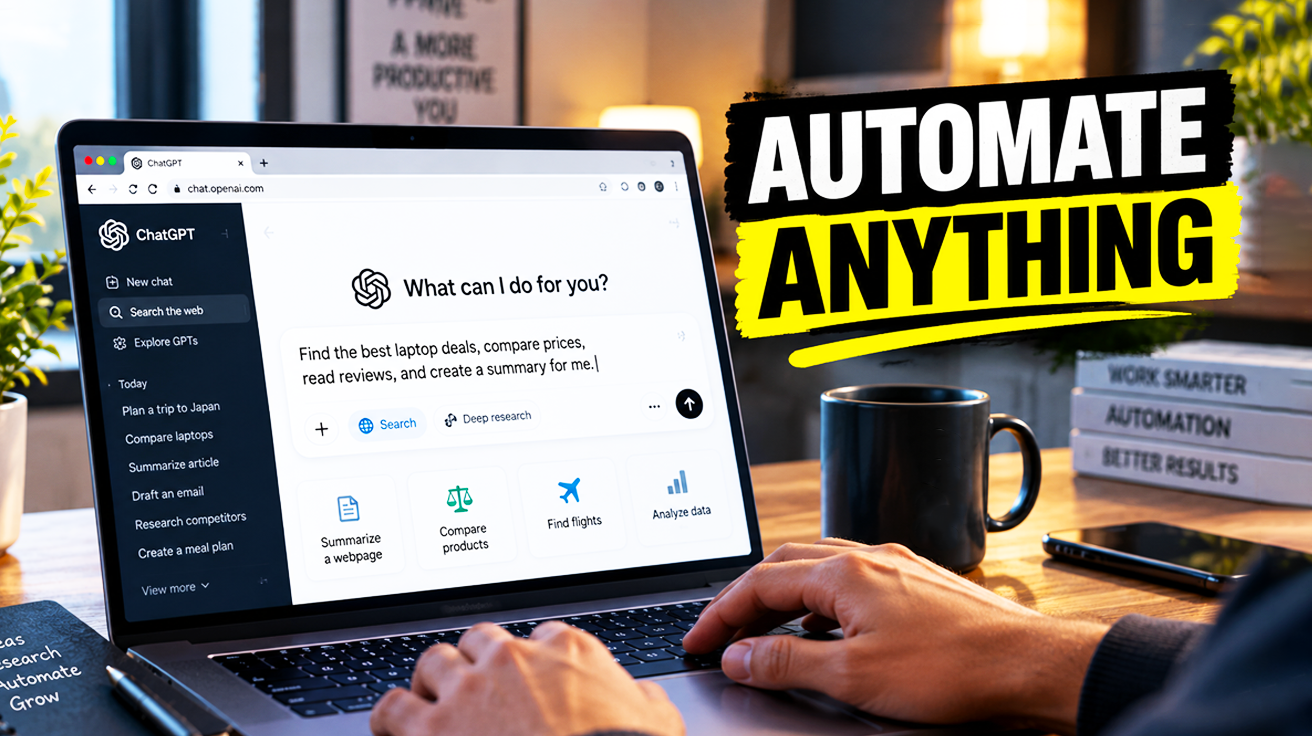
ChatGPT’s desktop app for macOS and Windows includes a built-in browser that runs inside the app, giving users and ChatGPT a shared view of web pages. The browser uses its own separate profile, independent of Chrome or Safari, so regular tabs and sessions stay untouched. It supports multiple tabs, navigation, password management, and integrates with Computer Use (sometimes called Codex), allowing ChatGPT to open pages, click elements, inspect rendered states, and verify results directly. Users can configure permissions so ChatGPT must ask before opening websites or accessing history, and control per-site visibility from the address bar. The browser also supports downloads, autofill, and importing cookies and passwords from another browser profile, such as Chrome. An annotation mode lets users highlight specific sections that ChatGPT uses as context to answer questions or modify code. Settings manage browser data such as cookies and history, download location, and developer options. The article also describes opening Notion pages inside the ChatGPT browser to give the AI visual, live context, enabling tasks such as shortening a lengthy Notion document using the Notion plugin.
SUCKS 0
0
0
Comments
This page shows all existing comments. To add a new comment, open the post in the forum.
No comments yet.