
How to Write Higher-Retention YouTube Videos with Google Gemini
Source: gizmotimes.com
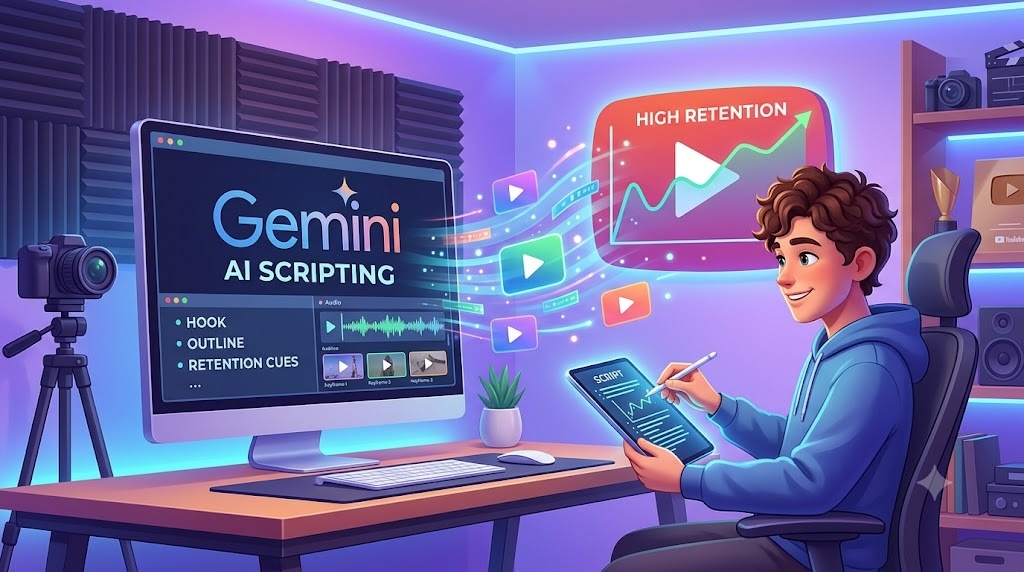
To write higher-retention YouTube videos with Google Gemini, treat the AI as an editor and sounding board rather than asking it to “write a script for me” in one single prompt. The 4-step workflow begins with brainstorming hooks, asking Gemini for 5 different 15-second opening hook variations based on frameworks like the ‘Shocking Statistic’ hook, ‘Common Mistake’ hook, ‘Direct Question’ hook, ‘Story / Personal Experience’ hook, and ‘Inverted Result’ hook. Step 2 involves building an outline with “pattern interrupts,” such as B-roll cues, graphic callouts, or topic shifts, by prompting Gemini to create a detailed outline for an 8-minute video broken into 4 main sections, each including a core concept, a visual/B-roll suggestion, and a transition sentence. Step 3 is scripting section-by-section to match your voice, avoiding robotic tone by using a conversational voice constraint with short, punchy sentences and avoiding buzzwords like ‘game-changer’, ‘delve’, or ‘landscape’. Step 4 is adding on-screen graphic and B-roll cues by reformatting the script into a 2-column table with Column 1 for Spoken Script (Audio) and Column 2 for Visual Cues. The summary checklist includes asking for 5-10 title and thumbnail pairings with titles under 50 characters, testing the highest-curiosity angle for hooks, keeping sections under 2 minutes each, and using strict
SUCKS 0
0
0
Comments
This page shows all existing comments. To add a new comment, open the post in the forum.
No comments yet.