
Claude Code Keyboard Shortcuts: Complete Cheat Sheet
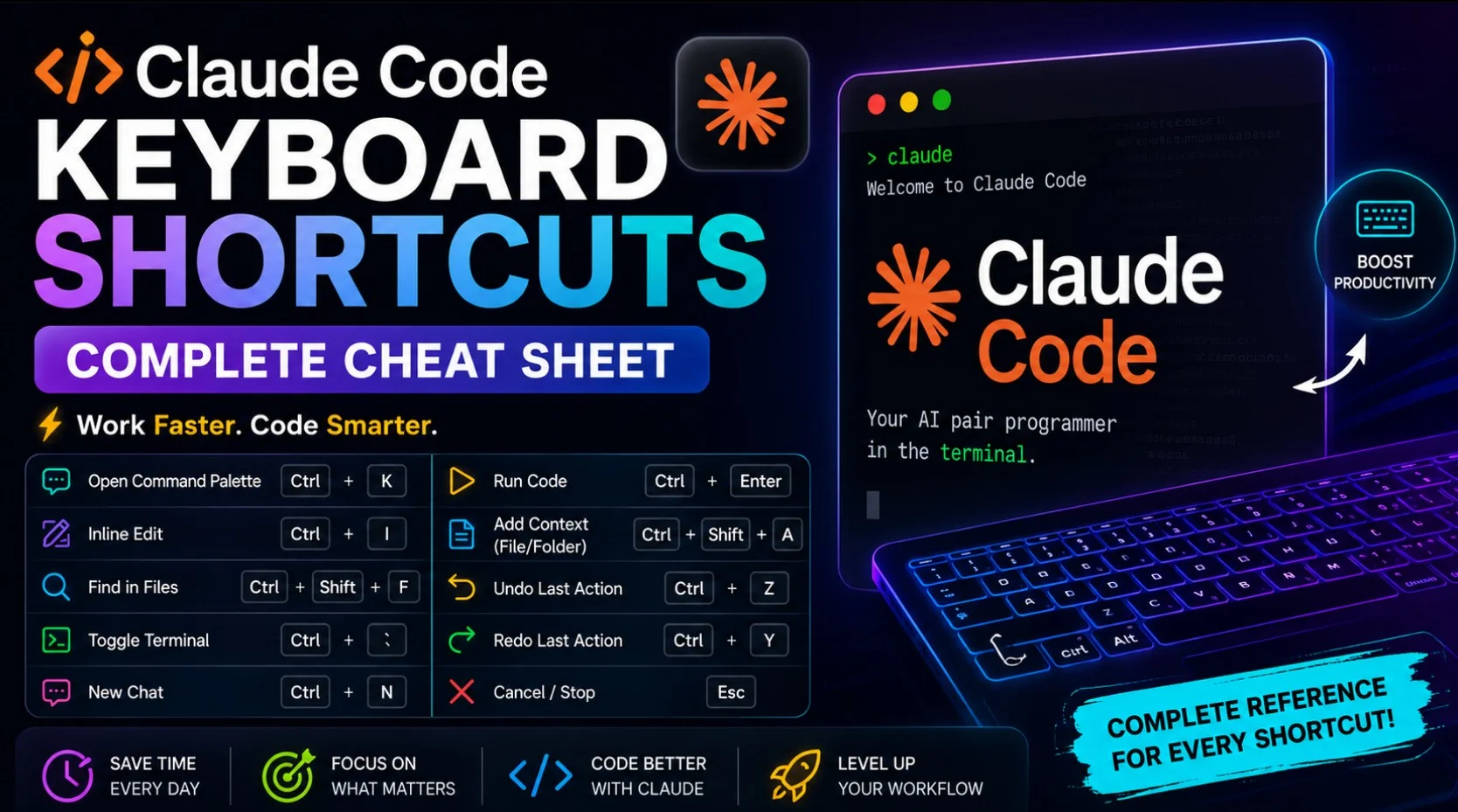
Source: how2shout.com
Based solely on the provided article body, Claude Code is a terminal application with keyboard shortcuts that are documented but often unknown to users. The article notes that pressing Esc twice on an empty prompt opens a rewind menu that rolls code and conversation back to an earlier point in the session. Key shortcuts include: Shift+Tab cycles permission modes (default, acceptEdits, plan, auto, bypassPermissions), though on some configurations it is Alt+M instead. Esc interrupts Claude mid-turn, stopping the current response or tool call so the user can redirect. Double-Esc clears the input and saves the draft to history if the prompt has text, or opens the rewind menu if the input is empty. Ctrl+B backgrounds a running task, such as Bash commands or agents, and Tmux users must press it twice. Ctrl+O toggles the transcript viewer, showing detailed tool usage and execution. Ctrl+C interrupts a running operation, and if nothing is running, the first press clears the prompt. The article states that shortcuts vary by platform and terminal, and a few behave differently depending on where Claude is running.
SUCKS 0
0
0
Comments
This page shows all existing comments. To add a new comment, open the post in the forum.
No comments yet.