
Gemini in Chrome is getting yet another version of Circle to Search
Source: androidauthority.com
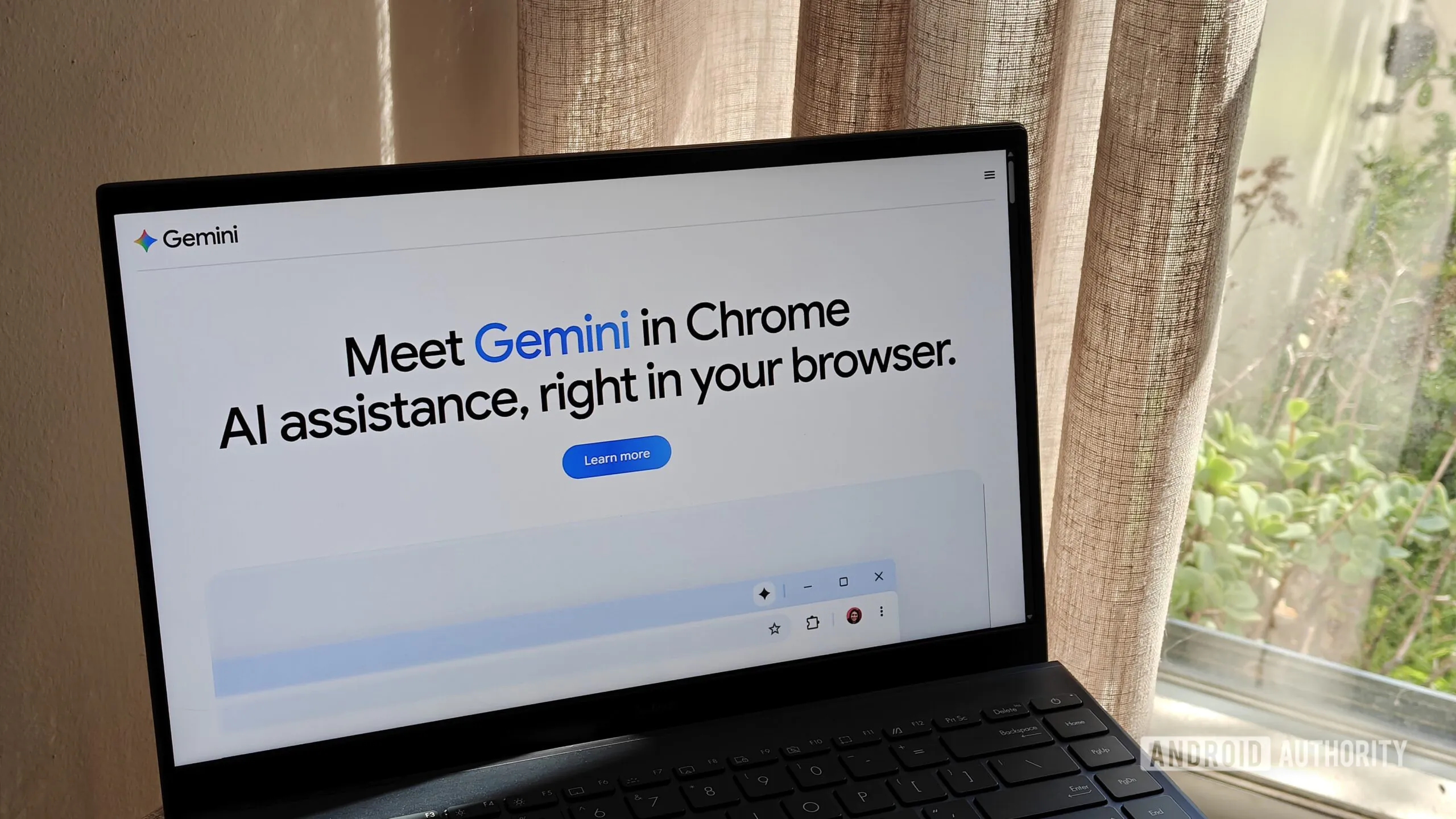
Google’s Chrome browser has added a new “Select from screen” option for desktop users when providing content for Gemini to see. To access it, users click “Ask Gemini,” then the plus sign for Gemini’s Add menu, and choose “Select from screen” to draw a box around content, including multiple screen areas at once, before presenting a prompt. This feature requires Gemini in Chrome to be enabled and being signed in with a Google account; it will not work in Incognito. Chrome’s Lens support still works without an account, even in Incognito. Chrome users should start seeing “Select from screen” available as of now, and those not seeing it should ensure they have updated to the most recent Chrome 149 release.
SUCKS 0
0
0
Comments
This page shows all existing comments. To add a new comment, open the post in the forum.
No comments yet.